
Reface in 2026: an honest look at the face swap app behind the paywall
Reface is a fun face swap and creative photo app that earns its 4.9 App Store rating on entertainment value, then loses points the moment money is involved. The annual mobile plan at about $24.99 is a fair deal for casual users. Everything around it is messier: a weekly tier that annualizes to roughly $130 to $207, AI avatar style packs sold separately, a 24-hour cancellation rule attached to the 3-day trial, and a privacy policy that has reportedly stretched facial data retention from 30 days to up to three years. This review walks every plan, every billing trap, and every privacy clause that matters before you tap subscribe.
What is Reface? A quick orientation
Reface launched in 2019 from Kyiv, Ukraine, with the developer entity listed on the App Store as NEOCORTEXT, INC., according to Techjockey's company profile. It is available on iOS, Android, and the web through a separate product called Unboring by Reface. The core trick is face swap in videos, GIFs, and photos using GAN-based facial mapping rather than crude overlays, a distinction Fritz AI flagged early in their teardown of the technology.
What started as a single party trick has become a whole portfolio. Reface now ships alongside Ink AI for tattoo try-on, Letsy for virtual clothes, Memomet for Ukraine-focused memes, Bitepal for calorie tracking, and Honestly for AI journaling, per AI Jet's roundup. Coverage from Billboard, Forbes, and The Verge, along with public use by Snoop Dogg and Miley Cyrus, gave it the cultural lift most face swap apps never reach.
Core features: what Reface actually does
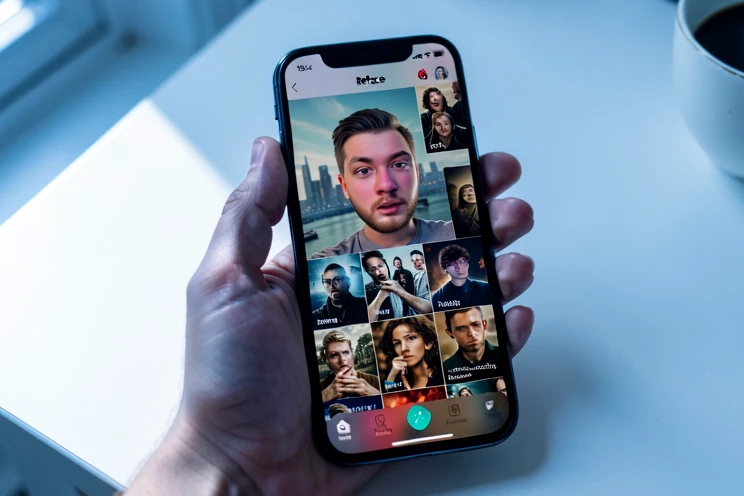
The headline feature is still face swap in videos, GIFs, and photos. You upload a selfie, pick a template, and GAN technology blends your face into the target frame. When lighting is reasonable, the result is good enough to share. Add glasses, harsh shadows, or a beard and the seams start to show, but for meme work the output earns its keep.
Around that core sit a stack of secondary tools, some surprisingly polished, some clearly filler:
- AI Avatars turn selfies into illustrated, cinematic, or fantasy portraits. They are not part of the subscription. Each style pack is a separate in-app purchase.
- Restyle / AI Filters push photos and videos into cartoon, watercolor, anime, or comic fantasy looks. Subscription unlocks the bulk of these.
- Revive / Photo Animation lip-syncs and animates still images, the kind of trick that goes viral every few months.
- AI Hairstyle Try-On (Rehair Salon) previews short, long, bob, and curly cuts plus a hair color changer. Genuinely useful before a salon visit.
- Gender swap, aging, and AI Baby Generator. Light entertainment, average accuracy.
- Professional Headshots, plus Ink AI tattoo try-on and Letsy virtual clothes from the wider portfolio.
- Meme and collage tools, including Memomet.
Quality is uneven by design. Face swap and restyle are the workhorses. AI Avatars feel like a separate product wedged into the same shell, which becomes important the moment you see the bill.
Pricing breakdown: every plan, every billing trap
Pricing is where Reface tests reader patience. There are three mobile plans, two web plans on Unboring by Reface, and a free tier that exists mostly to push you off it. All figures here are verified at publication on 2026-05-03 against Fritz AI's plan breakdown and the App Store listing, and they vary by region.
| Plan | Listed price | Effective annual cost | Notes |
|---|---|---|---|
| Mobile Weekly | ~$2.49 to $3.99 / week | ~$130 to $207 / year | The trap tier. Most expensive over 12 months. |
| Mobile Monthly | ~$12.99 / month | ~$155.88 / year | Still well above the annual plan. |
| Mobile Annual | ~$24.99 / year | ~$24.99 / year | Includes a 3-day free trial. Best mobile value. |
| Web Basic (Unboring by Reface) | ~$7.58 / month billed annually | $90.99 / year | Unlimited photo face swaps, priority queue, video restyle, no watermarks. |
| Web Premium (Unboring by Reface) | ~$9.99 / month billed annually | $119.99 / year | Unlimited activities, positioned for heavier creative use. |
| Free tier | $0 | $0 | Watermarks, ads, no premium templates. |
Stare at that table for a moment. The weekly plan costs roughly five to eight times the annual plan over the same year. That is not a rounding error. It is a sequencing trick: the first screen many users see emphasizes a small weekly price that feels harmless and quietly compounds.
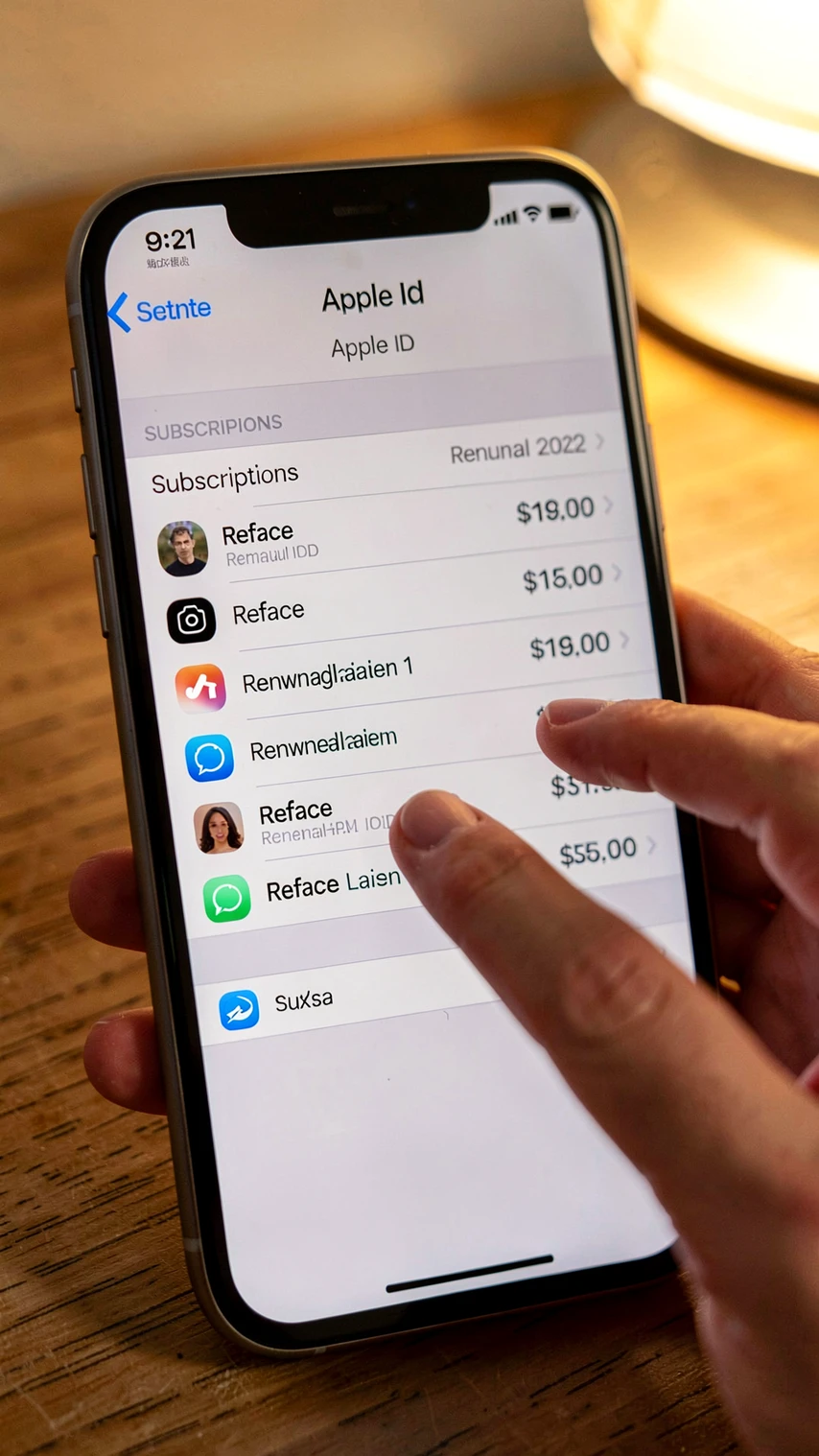
Two more rules every potential subscriber should know, both pulled directly from the App Store listing. Subscriptions automatically renew unless auto-renew is turned off at least 24 hours before the end of the current period. And cancellation does not happen inside the Reface app or website. It happens in your Apple or Google account.
AI avatar feature is not included into the subscription package. Each style sets of avatars are bought separately. Reface App Store listing
That sentence, lifted verbatim from Apple's listing, is the single most important line in the whole pricing story. Everything that follows in the next section flows from it.
What the subscription actually includes vs. what costs extra
Most users assume subscribing to Reface unlocks the full app. It does not. The subscription removes friction (watermarks, ads, locked premium templates, slower processing) and unlocks restyle and video tools, but it deliberately fences off AI Avatars as a separate per-pack purchase. The split looks like this:
| Included in subscription | Costs extra |
|---|---|
| Face swap in videos, GIFs, and photos | AI Avatar style packs (each set bought separately) |
| Restyle / AI Filters | Some advanced filter packs |
| Revive / Photo Animation | Occasional limited-time style sets |
| AI Hairstyle Try-On (Rehair Salon) | |
| Premium templates, no watermarks, no ads | |
| Faster processing on Pro tiers | |
| Video restyle (web Basic and above) |
The pattern in App Store reviews is consistent. One reviewer paid roughly $8 for AI avatars, received a single random style of mediocre quality, and was told that another style required another payment. Multiply that by a few attempts to find a flattering result and the math starts looking like a content-creator microtransaction loop, not a flat-rate creative app.
There is also a thornier issue. Some users who paid a one-time $35 lifetime fee report being asked to pay again later, according to a complaint surfaced in Kimola's review analysis. Whether this reflects a policy change, a billing error, or a misunderstanding is unclear from public sources, but it is a pattern worth flagging before any non-refundable purchase.
And the free tier? Usable for exploration, useless for sharing. Watermarks sit on every export, ads break the rhythm, and on weaker devices the app overheats when ad networks fail to load.
How to cancel Reface and avoid unexpected charges
This is the section most users wish they had read before subscribing. Reface itself cannot stop your subscription. You have to cancel through the store that took the payment.
iOS
- Open Settings on your iPhone or iPad and tap your name at the top to enter Apple ID.
- Tap Subscriptions.
- Find Reface in the active list and open it.
- Tap Cancel Subscription and confirm.
- Wait for the email confirmation from Apple. Save it. If a charge appears later, that email is your proof.
Android
- Open the Google Play Store, tap your profile icon, and choose Payments and subscriptions.
- Tap Subscriptions, then select Reface.
- Tap Cancel subscription and walk through the confirmation screens.
- Verify the cancellation appears in your subscription list with an end date, not an auto-renew date.
Web (Unboring by Reface)
- Sign in to your account on the Unboring by Reface web platform.
- Open account settings and find the active plan.
- Trigger cancellation and complete any confirmation step the platform shows.
- Watch your email for a cancellation receipt and screenshot it for your records.
Now the timing rule that catches most people. The 3-day free trial on the annual plan is a 3-day trial only on paper. Because subscriptions auto-renew unless turned off at least 24 hours before the period ends, your real safe window closes after day one. Treat the trial as 48 hours of decision time, not 72.
Subscriptions automatically renew unless auto-renew is turned off at least 24 hours before the end of the current period. Reface App Store listing
If a charge slips through anyway, the refund path also bypasses Reface. Contact Apple or Google support directly. Trustpilot is full of users who report continued charges after they believed cancellation was complete, so always keep the confirmation email.
Privacy and facial data: what Reface collects and keeps
Now for the part of the review that should not be skimmed. App Store data labels disclose that Reface uses Purchases, User Content, Identifiers, and Usage Data to track users. That is a broad envelope, and the contents are biometric. The app collects photos, derived facial geometry, potentially voice data under separate opt-in, usage data, identifiers, and purchase history.
The retention story has shifted. According to Fritz AI's review, facial data storage periods were reportedly extended from 30 days to up to three years in later policy revisions. Earlier policy versions also explicitly said photos would not be used for face recognition. That specific language has reportedly been removed. Both points need verification against the live policy at the moment you read this, since the document is the authoritative source and changes without ceremony.
Two structural concerns sit on top of the timeline. First, the licensing terms appear to grant Reface a broad license to use face-swapped outputs for service improvement, which is not unusual in AI products but is worth understanding before you upload anything sensitive. Second, the so-called embeddings loophole. Companies often store face embeddings, mathematical representations of a face, rather than raw biometric data. Mechanically, that distinction matters: an embedding is not your photograph, but it can still re-identify you across uploads. Legally, it blurs how long your likeness is effectively retained, since retention timers usually attach to raw biometric files rather than the math derived from them.
What happens to your data after account deletion is not clearly documented in available public sources. That is itself an answer of sorts. If you want a hard guarantee, Reface is not currently the app to give it to you.
Real user experience: what people praise and what frustrates them
Reface holds a 4.9 out of 5 rating from more than 31,000 ratings on the App Store. On Trustpilot, the same product sits at 1.2 from roughly 200 reviews. That gap is not a glitch. It is the cleanest signal in this entire review.
The two audiences review different things. App Store ratings reward the moment a face swap lands and a friend laughs. Trustpilot collects the aftermath: trial charges that slipped through, AI avatar packs that disappointed, lifetime buyers asked for more money, customer service that did not answer. Both reviews are accurate. They just describe different stages of the relationship with the app.
What users praise:
- One-tap workflow that hides the complexity of GAN-based facial mapping behind a single button.
- A large, regularly updated meme and GIF template library.
- Genuinely entertaining results in good lighting, especially for casual social posts.
- The hairstyle try-on tool, which is the secondary feature people keep voluntarily mentioning.
What users criticize:
- Charges arriving after a trial they believed was cancelled in time.
- Discovering only after payment that AI avatar style packs are separate purchases.
- Cancellation routed through Apple or Google, not the app itself.
- Recurring charges continuing after a believed cancellation.
- Lifetime buyers re-charged after a one-time $35 fee.
- Free-tier overheating and crash patterns when ad networks fail to load.
- Slow or absent customer service on billing disputes.
Verdict: who should use Reface and who should skip it
Reface is a fun product wrapped in an uncomfortable monetization model. The face swap engine, restyle filters, and hairstyle previews are good enough to justify a small annual fee. The privacy and billing layer is where the recommendation splits by user type.
Best for
Casual social-media users on the $24.99 mobile annual plan who want a few face swaps a month and do not care about AI avatars. This is the version of Reface the App Store rating describes.
Acceptable for
Content creators who want hairstyle try-on, photo animation, and restyle tools, who understand AI avatars cost extra, and who can keep cancellation deadlines straight. The Unboring by Reface web product fits heavier workflows at $90.99 to $119.99 per year, a real step up from the mobile annual but with priority queue and unlimited photo swaps.
Skip if
- You expect AI avatars included in one price.
- You are privacy-sensitive about biometric data retention or uncomfortable with the embeddings loophole.
- You have a history of forgetting trial deadlines or disputing app subscriptions.
- You are tempted by the weekly tier. Annualized, it costs five to eight times the annual plan.
If Reface fails the fit test, the alternatives shape your next move. FaceApp covers aging and gender-swap territory cleanly, though its face swap feature was removed in 2023, so it is no longer the right pick for video face swap. DeepSwap leans on a credit model that makes per-swap cost more predictable than Reface's subscription-plus-upsell stack. Snapchat handles real-time in-camera face swap inside an existing social app with no separate subscription, at the cost of accepting Snap's own data policy.
Final read. Pay $24.99 once, set a calendar reminder for day one of the trial, never touch the weekly plan, and read the live privacy policy before uploading anything you would not hand to a stranger. Do that, and Reface is a fair deal. Skip any of those steps, and the 1.2 Trustpilot score is what writes your next review.
paid the $35 lifetime back when that was a thing, got pinged to pay again like 14 months later. support never replied.
the avatar packs being separate is the real catch. sub doesn't cover them and new users always miss that one line in the listing.