[Q01]
Do I need to create an account to swap faces in a photo?
A01>
No account or sign-up is required. Open the tool, upload your images, and download the result directly. No email address is collected during the process.
[Q02]
What image formats does the face swap tool accept?
A02>
The tool accepts JPG and PNG files for both the source and target images. These cover the formats exported by most cameras, smartphones, and editing apps.
[Q03]
Can I swap faces in a group photo with multiple people?
A03>
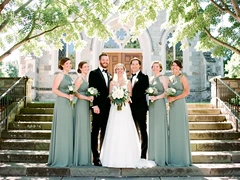
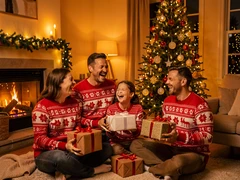
Yes. When the tool detects more than one face in the target image, it lists each detected face and lets you select which one to replace before running the swap.
[Q04]
How realistic does the face swap photo look?
A04>
The AI matches skin tone, lighting direction, and edge blending to the target scene. Results are most convincing when the source and target photos share similar lighting conditions and face angles.
[Q05]
Will the output image have a watermark?
A05>
Downloaded images do not carry a visible watermark. The file is exported at the original resolution of the target photo.
[Q06]
Can I use this tool to swap a face into an AI-generated image?
A06>
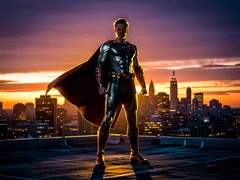
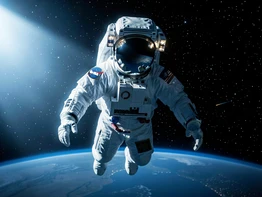
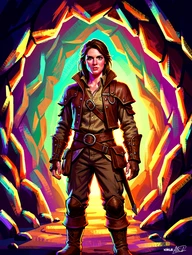
Yes. The tool works on both real photographs and AI-generated images as targets, so you can place a real person's face into a synthetic scene or concept art.
[Q07]
Does the tool work for a single photo where I want to replace just one face?
A07>
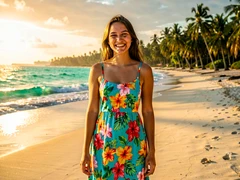
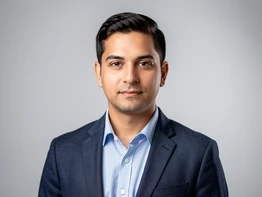
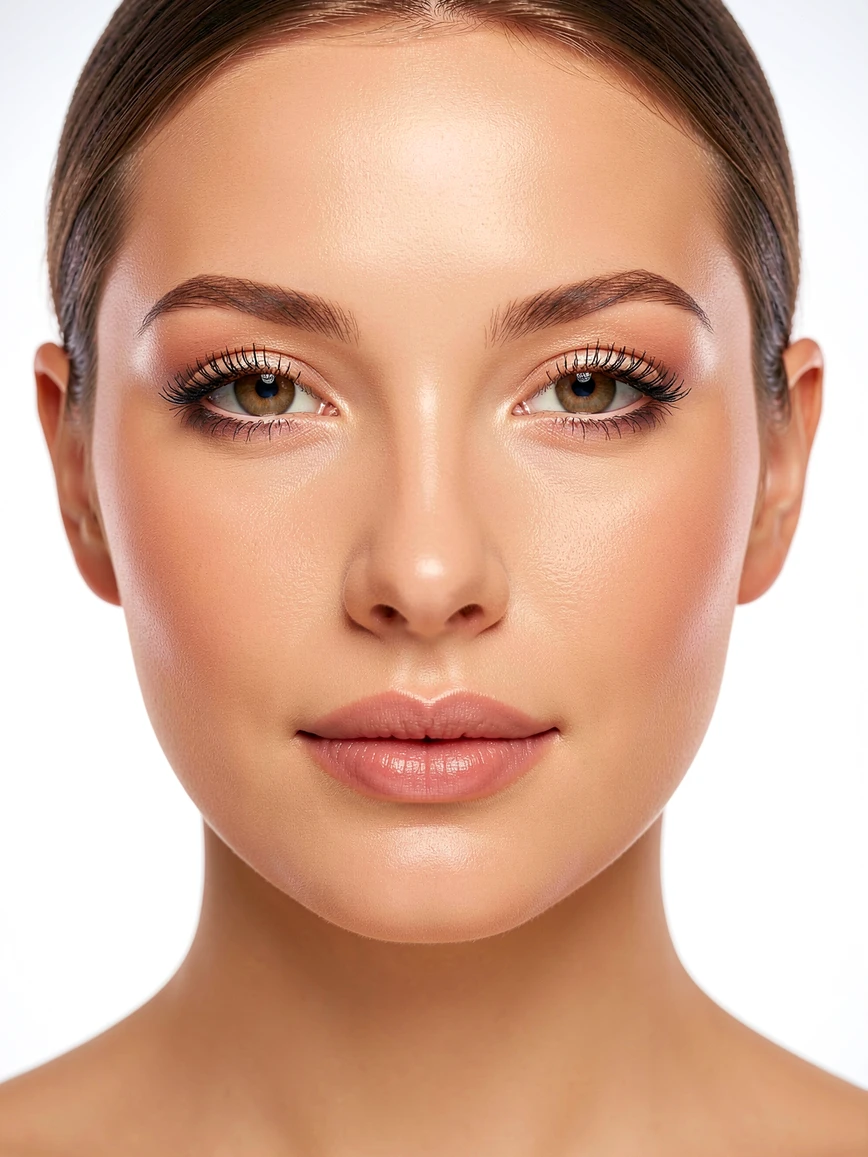
Yes. Single-portrait swaps are the most straightforward use case — upload one source face and one target photo, and the tool replaces the face in the target automatically.
[Q08]
How do I get the best quality result from a face swap photo edit?
A08>
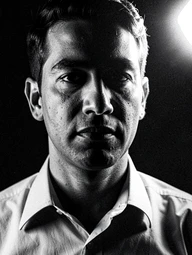
Use a source photo where the face is clearly visible, well-lit, and facing forward. Avoid heavily blurred, very small, or heavily shadowed source faces, as these reduce alignment accuracy.
[Q09]
Can I swap faces between two completely different photos?
A09>
Yes. The source and target can be any two separate photos — they do not need to share the same background, setting, or lighting. The AI adapts the source face to fit the target scene.
[Q10]
Is this the same as a deepfake?
A10>
The underlying face-replacement technology is related to deepfake methods, but this tool produces still images only — not video. It is intended for creative, novelty, and personal photo editing purposes.


does this work on a video file or just photos?
stills only. it says so right there. been there
before anyone uploads anything, does anyone actually know where the source images go after the swap
tried it on a team headshot, two faces detected, swapped the wrong one first time
the group photo support line is doing a lot of work. it found 3 out of 5 faces in mine. one was at an angle and it just gave up
wanted to swap a face into a short clip. nope. moved on
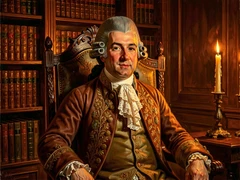
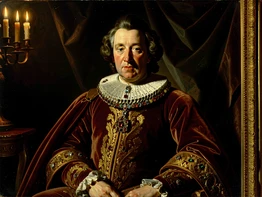
honestly the royal portrait template is so funny i sent it to my sister
skin tone came out slightly off on mine, like one shade too warm
yeah but the photorealistic blend isn't really photorealistic when the lighting in source and target don't match. mine had a clear seam at the jaw
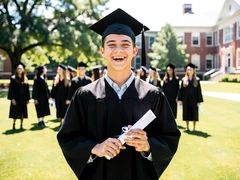
uploaded a passport-style photo from 2017, target was a graduation pic. result was usable for a joke not for anything else
still no answer on where uploads go. faq says no email collected but that's not the same thing as no retention
upload area on safari on my ipad just sits there spinning. switched to laptop and it worked
is there a way to control how much of the source face it actually uses, the hairline keeps from the target every time and i don't want that
lol same
the one above about group photos, same thing happened to me. picked the wrong person and there's no undo
decent for a quick laugh, not for an actual headshot
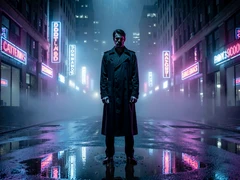
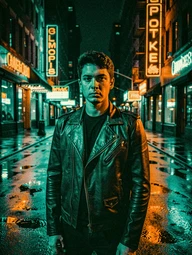
the cinematic grade is too heavy, makes faces look orange. or no wait, more like the teal just eats the shadows
idk, i'd want a clear retention policy before putting a real photo in
sure, in a perfect world the lighting matches
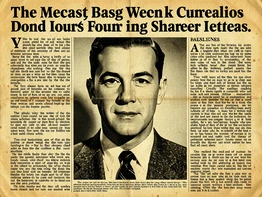
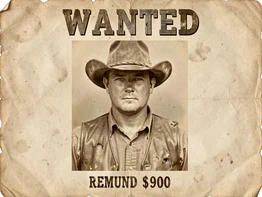
tried the wanted poster one with my dog's face on it... won't say how it turned out
skimmed the faq, no answer about resolution caps. it says original resolution of target but mine came back smaller than what i uploaded
that mobile app, blanking on the name, the one with the orange icon, it lets you do this with reels. way better for what i actually wanted
took maybe 38 seconds on the group photo, not bad
fine for a one-off i guess...
anyone actually got a result good enough to use somewhere besides a meme?